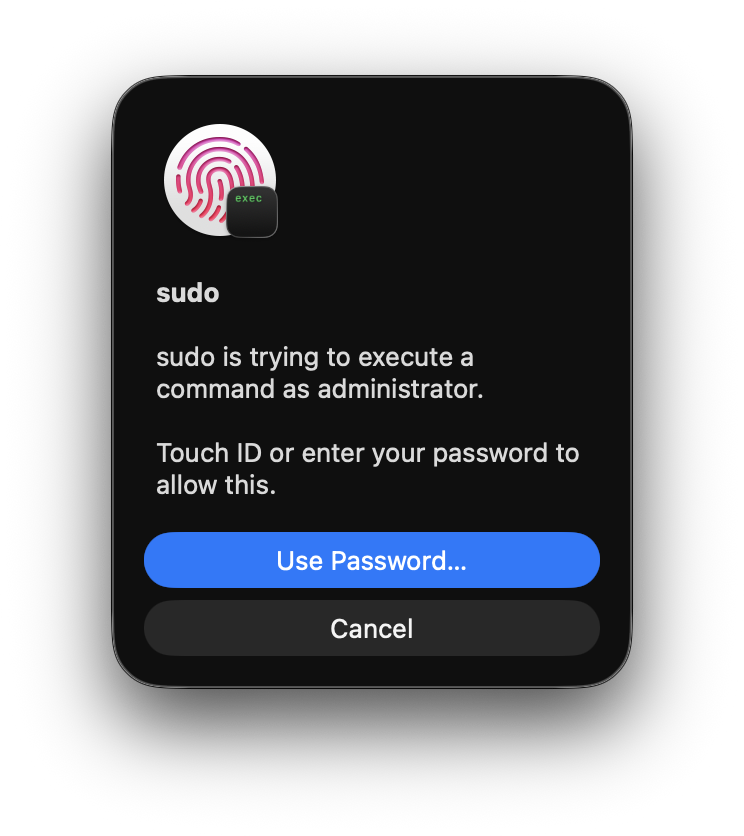
Enable Touch ID for sudo on macOS
1 minute read •
Starting in macOS Sonoma, Apple introduced /etc/pam.d/sudo_local, allowing Touch ID configuration for sudo to persist across operating system updates.1
To enable it, generate the configuration file from Apple’s template:
sed "s/^#auth/auth/" /etc/pam.d/sudo_local.template | sudo tee /etc/pam.d/sudo_localThis creates /etc/pam.d/sudo_local with pam_tid.so enabled:
# sudo_local: local config file which survives system update and is included for sudo
# uncomment following line to enable Touch ID for sudo
auth       sufficient     pam_tid.so
Open a new terminal session to test it. Running sudo will now prompt for fingerprint authentication before falling back to a password prompt.